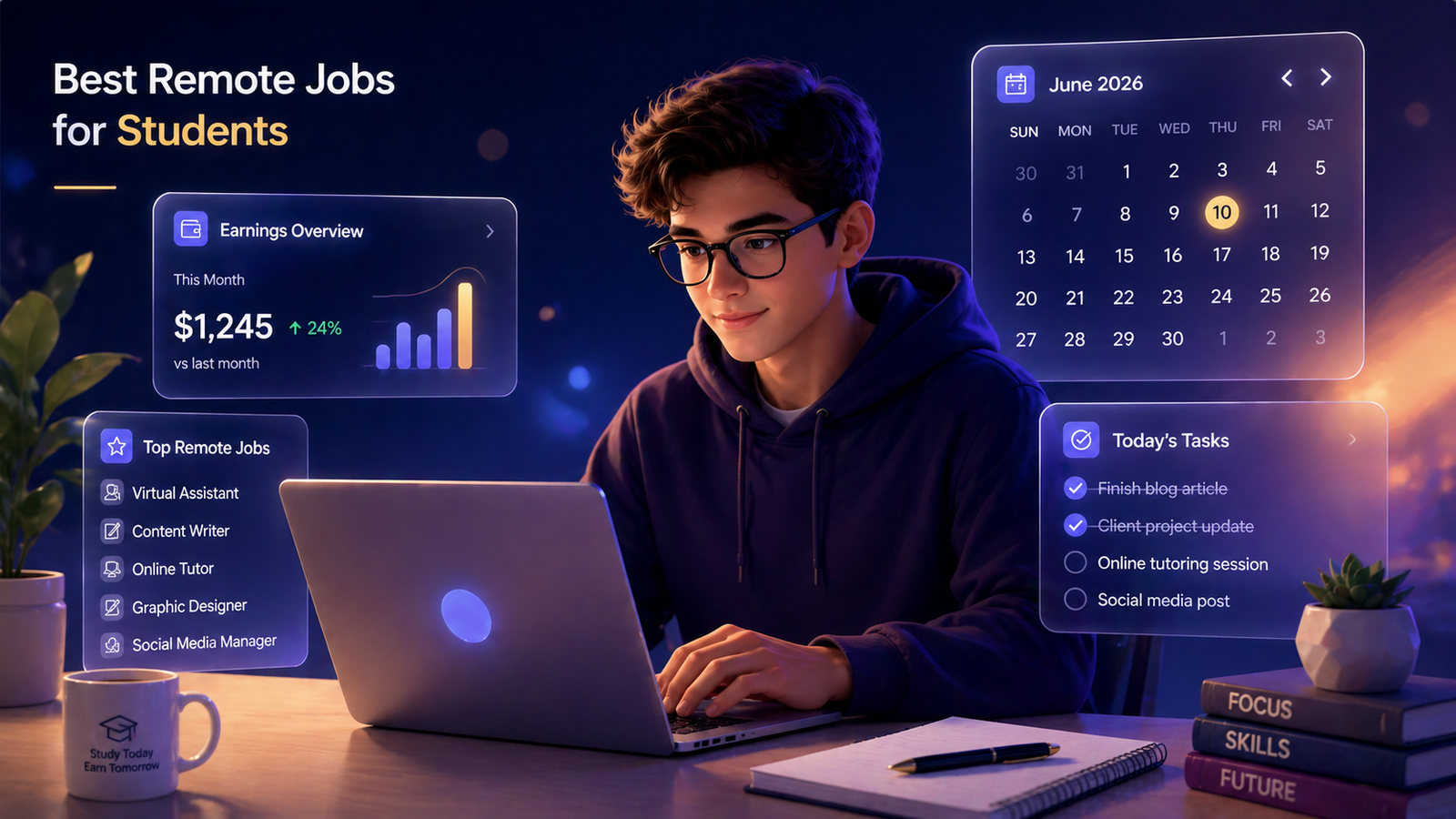
Picture this. It's 11 PM on a Tuesday. You just finished a three-hour shift at the campus coffee shop and walked home with $42 in your pocket. You're tired. Your feet hurt. You smell like espresso.
You get back to your dorm and your roommate is sitting in bed with their laptop, headphones on, totally relaxed. They wrap up what they're doing, close the computer, and say, "Nice. Just finished a project. Made $120 tonight."
Same Tuesday. Same number of hours. Very different results.
That roommate wasn't smarter than you. They didn't have connections you didn't have. They just found the right kind of remote job early and stuck with it long enough to get good.
That's what this guide is about. Not generic advice about "putting yourself out there." Real remote jobs that pay real money, what each one actually takes to get started, and how to land your first client or gig even if you have zero work experience.
Let's get into it.
Why Remote Jobs Pay More Than Campus Jobs
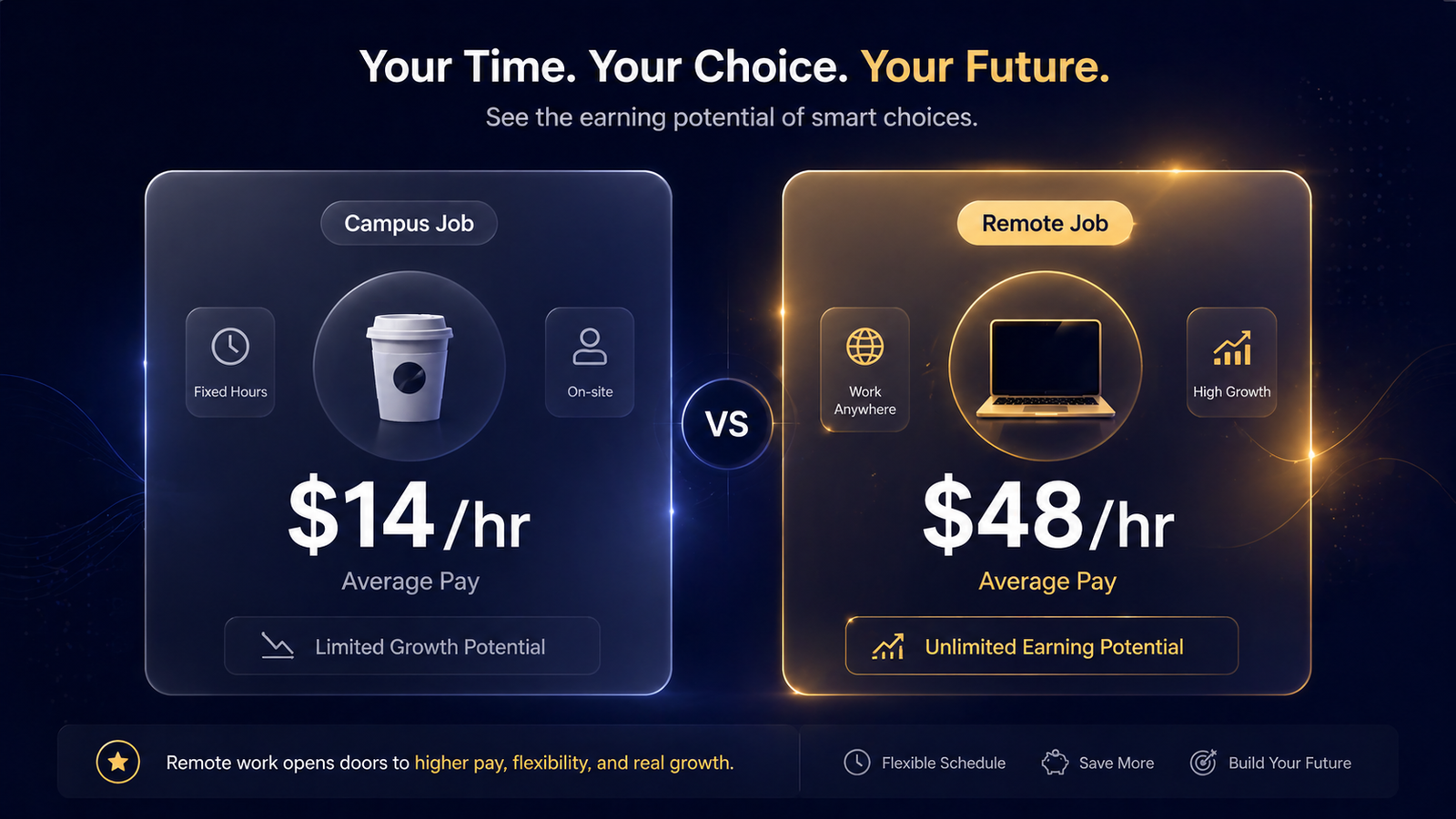
Here's the deal. Campus jobs are designed for convenience, not income. They're easy to get, close to where you live, and totally fine for spending money. But the pay is almost always tied to minimum wage, and your hours are limited.
Remote jobs are different. When you work online, you're not competing for a position at one school. You're competing in a much bigger market, which sounds scary, but it's actually good news. More competition means more clients, more platforms, and more chances to find work that pays what your time is actually worth.
A 2024 report by Upwork showed that freelancers on their platform set rates averaging nearly $48 per hour. That's not what everyone makes, especially at the start. But it shows what's possible when you build the right skills and a small portfolio.
The other big thing: remote jobs don't care where you live. A student in Halifax can work for a company in Toronto, Austin, or London. Your location stops being a limit the moment you work online.
Two Types of Remote Jobs (And Why It Matters)
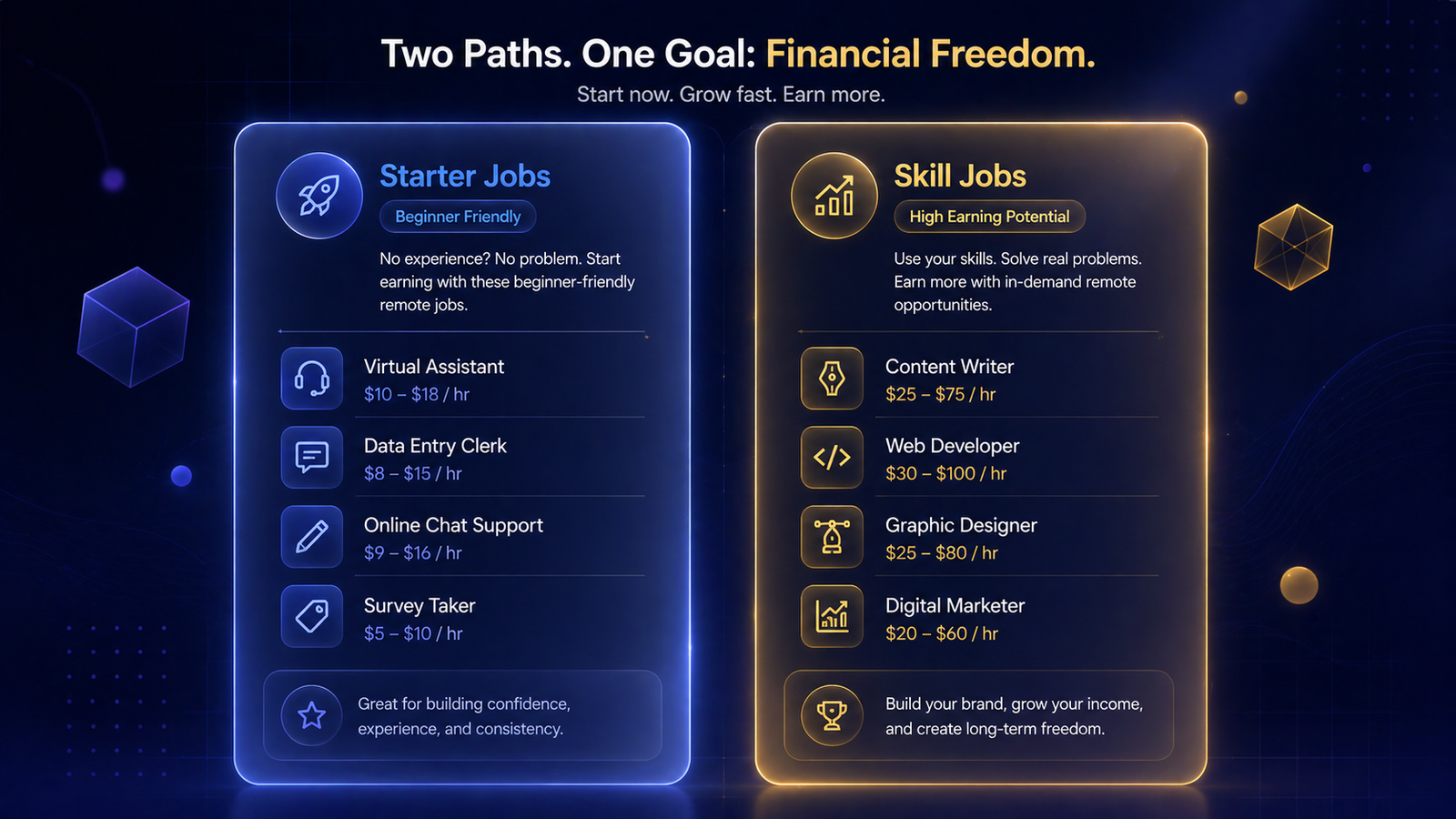
Before we get into the list, here's something most articles skip. Remote jobs for students fall into two categories, and knowing which is which will save you a lot of time.
Starter jobs are roles you can get with almost no experience. They pay okay, usually $12 to $25 per hour. They're good for building confidence, getting used to working with clients, and making some money while you learn.
Skill jobs take a few weeks or months to learn, but once you have the basics down, you can charge a lot more. These pay $30 to $80 per hour and scale the longer you do them.
The advice here: start where you can, but always be building toward a skill job. Your income will jump fast when you do.
The 7 Best Remote Jobs for Students in 2025 and 2026
1. Freelance Writing and Content Creation
Pay range: $20 to $40 per hour (beginners), $50 to $150 per article with experience
Type: Starter job
You already write more than most people realize. Essays, emails, group chat messages that somehow manage to be perfectly clear even at 2 AM. Freelance writing is just applying that to things businesses actually need: blog posts, website copy, newsletters, product descriptions, and social media captions.
The biggest myth about freelance writing is that you need a journalism degree or some special talent. You don't. You need to write clearly, meet deadlines, and understand what the person paying you actually wants to say.
A lot of students start by writing one or two blog posts for small businesses or local websites for a lower rate, just to get a sample. After that, you have something to show. Platforms like ProBlogger, Contently, and Upwork list writing gigs constantly, and once you have two or three solid pieces in a portfolio, you can start charging more.
The real upside of writing is that it gets better the more you do it. Students who stick with it for six months often see their rates double.
Tools you need: Google Docs, Grammarly (worth upgrading for client work), a basic portfolio page.
Where to find work: Upwork, ProBlogger job board, LinkedIn, reaching out directly to small businesses with blogs.
Starter tip: Write two or three sample articles on topics you actually know about. Put them somewhere easy to link. That's your portfolio. You don't need to wait for paid work to build it.
2. Online Tutoring
Pay range: $15 to $40 per hour, sometimes higher for STEM subjects
Type: Starter job
If you've ever explained something to a classmate and watched it click for them, you already have the main skill tutoring requires. You don't need to be at the top of your class. You just need to understand something well enough to explain it simply.
Online tutors work with students on math, science, essay writing, test prep, foreign languages, and even specific software tools. STEM tutors are especially in demand right now, and platforms like Chegg Tutors, Wyzant, and Tutor.com connect tutors with students around the world.
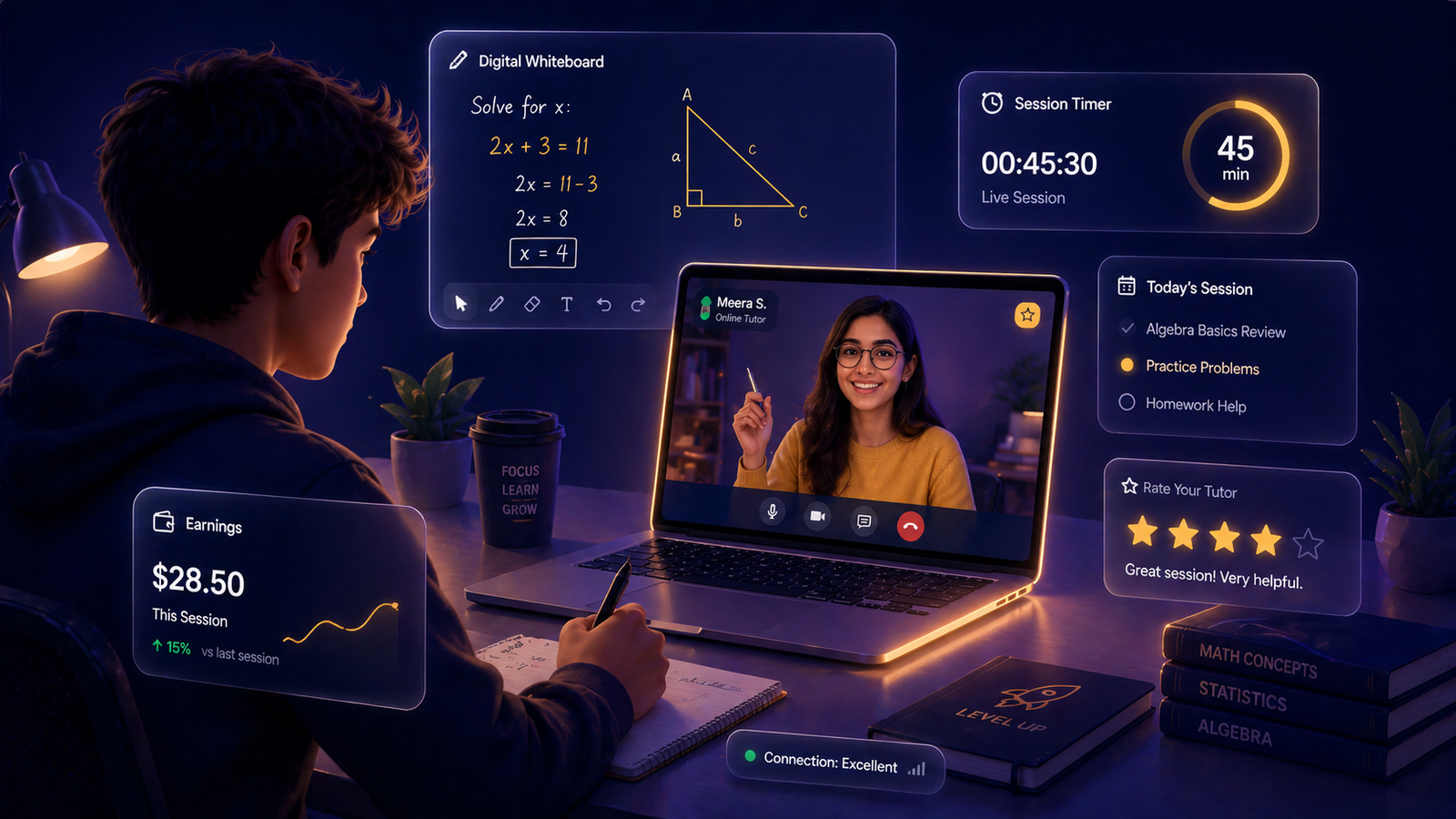
One approach that works really well: tutor classmates first, even for free or a reduced rate. Once you've helped a few people improve their grades, you have real results you can point to. That makes it much easier to sign up on a platform and get your first paid sessions.
The hourly rate on most tutoring platforms starts between $15 and $20, but specialized subjects like calculus, chemistry, or programming can push that to $30 or $40 per hour.
Tools you need: A reliable video call setup (Zoom or Google Meet), a digital whiteboard (Miro works great), and a quiet space.
Where to find work: Chegg Tutors, Wyzant, Tutor.com, campus job boards, your school's student services office.
Starter tip: Don't try to tutor everything. Pick one or two subjects you genuinely know well and go deep on those. Being the person who really gets organic chemistry is more valuable than being okay at five different subjects.
3. Virtual Assistant (VA)
Pay range: $20 to $35 per hour
Type: Starter job
A virtual assistant is basically a remote helper for a business owner or executive. You handle the tasks they don't have time for: organizing emails, scheduling meetings, doing research, updating spreadsheets, booking travel, managing a calendar, or drafting responses.
It sounds like small stuff, but busy founders and small business owners genuinely struggle to keep up with administrative work. A reliable VA is worth a lot to them.
The skills you already use in school, organizing group projects, keeping track of deadlines, communicating clearly in emails, transfer directly to VA work. Tech-savvy students pick this up fast.
Tools you need: Google Workspace (Docs, Sheets, Calendar, Gmail), a project management tool like Trello or Asana, and strong attention to detail.
Where to find work: Belay, Time Etc, Fancy Hands, Upwork, LinkedIn.
Starter tip: Create a one-page document showing what you can do: a sample inbox organization, a mock weekly schedule, a research summary. This is your portfolio. Most VAs get hired based on how organized and professional they seem in the first conversation.
4. Social Media Management
Pay range: $20 to $40 per hour
Type: Skill job (but one most students already have a head start on)
Here's something a lot of students don't realize. The fact that you spend time on Instagram, TikTok, and YouTube is actually useful professional experience. You understand how content works, what gets engagement, what feels off, and what people scroll past without thinking.
Businesses know this. Small brands, local shops, restaurants, coaches, and content creators all need someone who can manage their social media presence without making it feel like it was run by a 55-year-old marketing consultant.
Social media managers create and schedule posts, write captions, respond to comments, track what content performs best, and sometimes run paid ads. As you get more experienced, you can offer strategy and analytics too, which pushes rates higher.
The key difference between social media management and just posting is being able to show results. Even if you only manage one account for a month, screenshot the growth, engagement numbers, or follower changes. That's data. Clients want to see data.
Tools you need: Canva for graphics, Later or Buffer for scheduling, Meta Business Suite for Facebook and Instagram, basic understanding of analytics.
Where to find work: Upwork, Contra, local business outreach, Facebook groups for entrepreneurs.
Starter tip: Offer to manage one account for a local business for a month at a reduced rate in exchange for an honest review or testimonial. Once you can show results, standard rates become much easier to charge.
5. Video Editing
Pay range: $20 to $60 per hour, sometimes more for advanced projects
Type: Skill job
The creator economy is huge right now, and it's only getting bigger. YouTubers, podcasters, course creators, and brands are all pumping out video content, and most of them don't want to spend their own time editing it.
Video editing is one of the highest-demand remote skills students can learn right now. And unlike some tech skills, the basics are learnable in a few weeks. Tools like DaVinci Resolve are free and genuinely professional-grade. Adobe Premiere Pro is the industry standard and most universities give students free access.
A beginner video editor on platforms like Upwork typically starts at $20 to $40 per hour. More experienced editors working on branded content, YouTube channels, or short-form ads can charge $60 to $100 or more.
The thing that separates good video editors from great ones isn't technical skill. It's storytelling. Knowing where to cut, how to pace a video, what keeps someone watching — that's what clients actually pay for.
Tools you need: DaVinci Resolve (free) or Adobe Premiere Pro, a computer with decent processing power, storage for large files.
Where to find work: Upwork, Fiverr, reaching out to YouTubers directly, LinkedIn.
Starter tip: Edit two or three short videos, even for free, to build your reel. A 90-second highlight reel of your best work is worth more than any resume when it comes to landing video editing clients.
6. Freelance Web Development
Pay range: $25 to $60+ per hour depending on skills and project complexity
Type: Skill job
Web development has one of the highest earning ceilings of any remote job on this list. It also takes the most time to learn upfront, but once you can build functional websites, the demand is constant and the pay reflects that.
Every small business, restaurant, freelancer, and nonprofit needs a website. Most of them don't have someone in-house to build or update it. That's where student developers come in.
You don't need to build full-stack apps to start making money. Knowing HTML, CSS, and basic JavaScript is enough to build clean websites for small businesses. If you add WordPress or Webflow to that, you can handle a huge portion of the market without writing complex code from scratch.
Tools you need: VS Code, GitHub, basic knowledge of HTML, CSS, and JavaScript to start. WordPress or Webflow knowledge is a big bonus.
Where to find work: Upwork, Contra, LinkedIn, local business outreach, your university network.
Starter tip: Build one clean, functional website for yourself or a cause you care about. That single project, if it looks good, is often enough to land a first paying client.
7. UX and UI Design
Pay range: $30 to $80 per hour for freelance projects
Type: Advanced skill job
User experience design is about making apps, websites, and digital products easy and enjoyable to use. UI design is about how they look visually. Freelance UX and UI designers help companies figure out why users are confused, dropping off, or not converting — and then fix it.
This is one of the highest-paying remote options for students, especially as you build your portfolio. The catch is that it takes longer to learn than most jobs on this list. You need to understand user research, wireframing, prototyping, and tools like Figma.
Figma has a free plan and incredible learning resources. Many design and computer science students already use it. If you enjoy the intersection of creativity, psychology, and technology, UX and UI design is worth the learning investment.
Tools you need: Figma (free tier available), an understanding of design principles, and a portfolio with 2 to 3 case studies showing your design process.
Where to find work: Upwork, Contra, Dribbble, Behance, Toptal (once you have solid experience).
Starter tip: A UX portfolio doesn't need to show finished products. It needs to show your thinking. Document a problem, your research, your wireframes, and your solution. The process matters as much as the final design.
How to Avoid Remote Job Scams
Real talk: there are a lot of fake job listings out there targeting students. Here's how to spot them fast.
If someone asks you to pay money upfront to "access" jobs or training, leave immediately. If a listing promises $500 per day for easy work with no skills needed, it's not real. If a client wants to pay you with a check and asks you to wire back part of it, it's a scam.
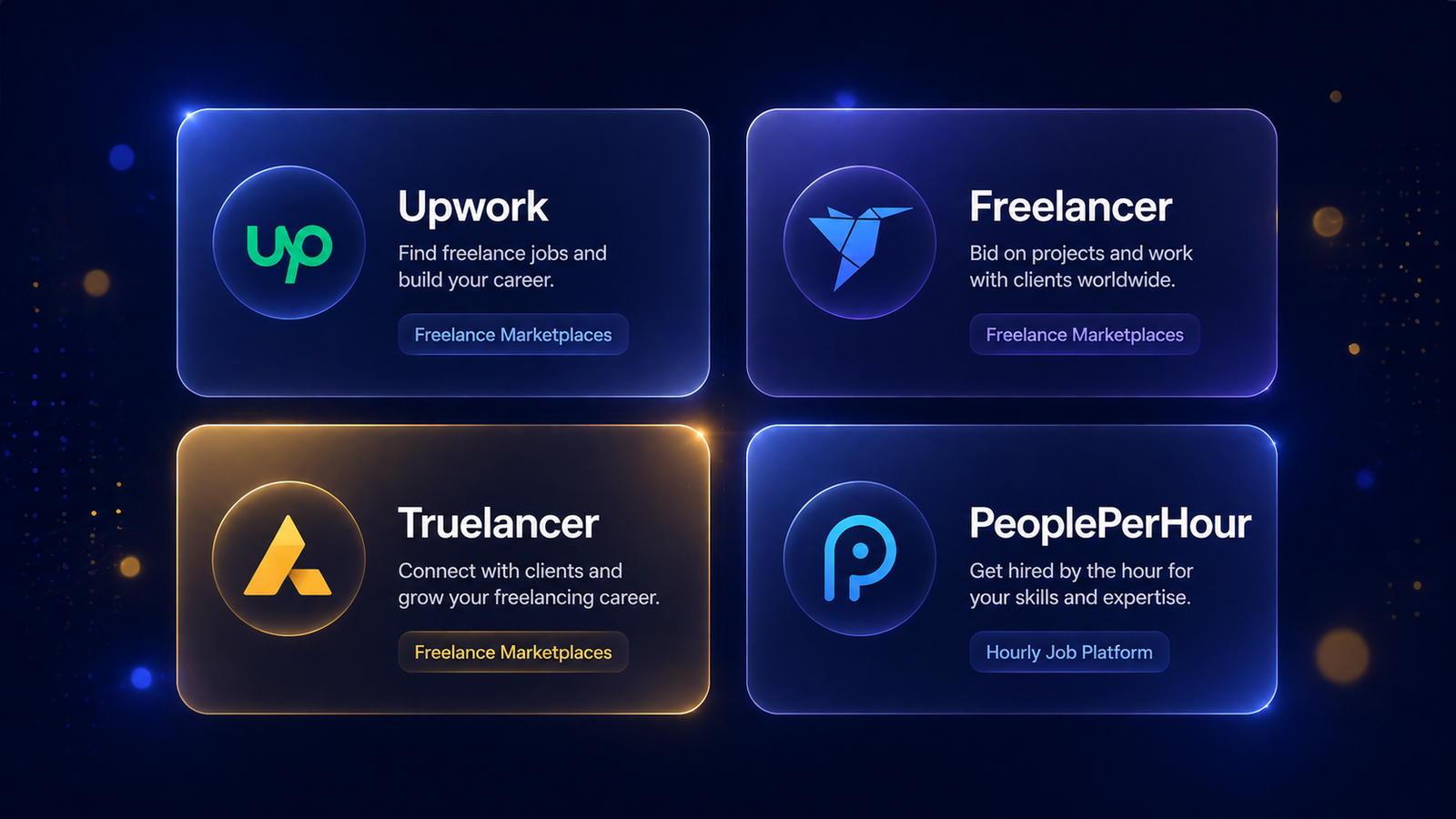
Stick to trusted platforms. Upwork, Fiverr, LinkedIn, Handshake (your university's job board), and FlexJobs are all legitimate. When in doubt, Google the company name plus the word "scam" before you apply.
Your First 30 Days: A Simple Plan
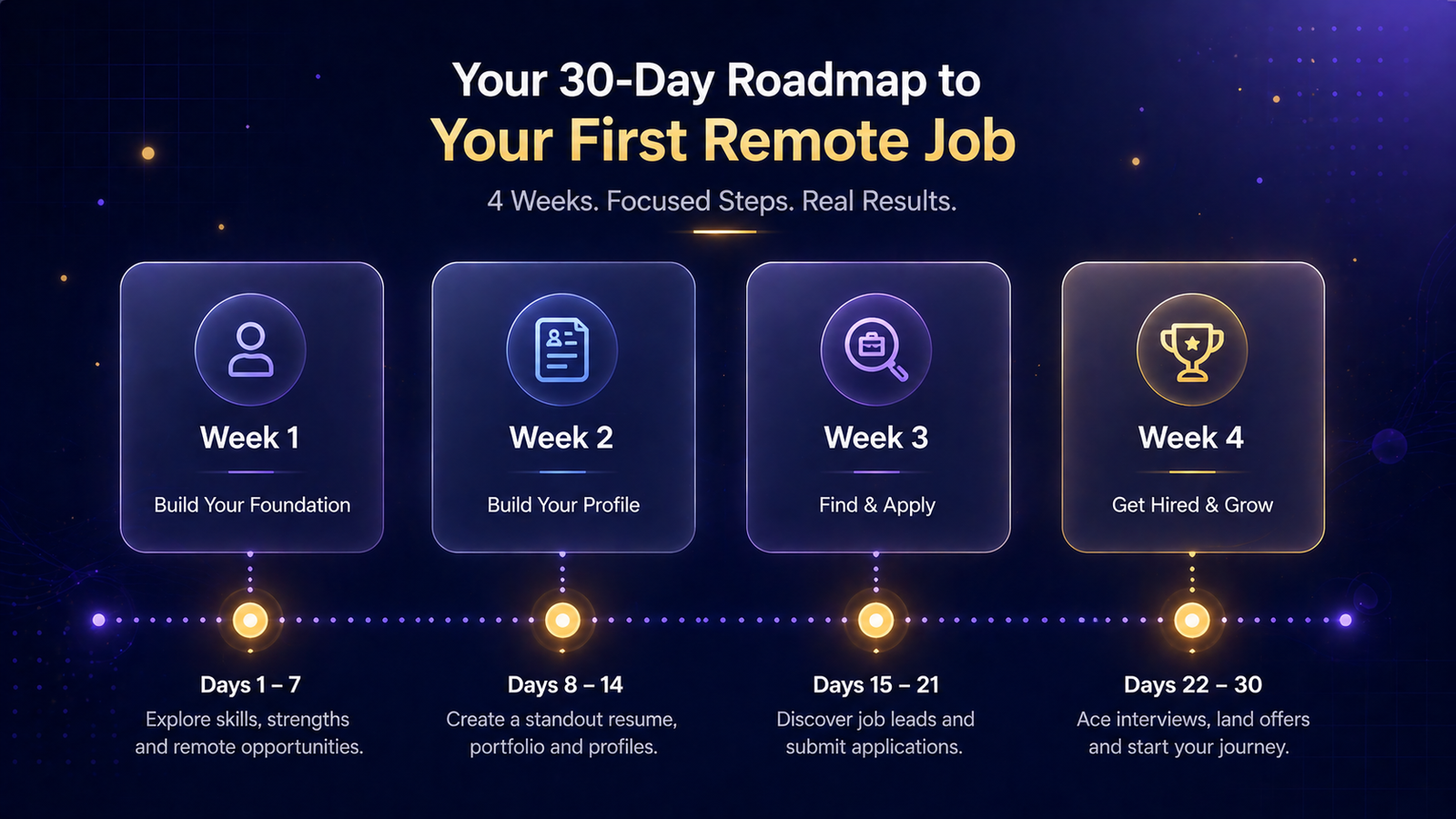
Getting your first remote job doesn't have to take months. Here's a simple 30-day roadmap.
Week 1: Pick one job from this list based on what you already know or enjoy. Research it for two to three hours. Watch some YouTube tutorials. Get familiar with the tools.
Week 2: Build one small portfolio piece. Write a sample article, edit a short video, create a mock social media post, build a basic webpage. Something you can actually show.
Week 3: Set up a profile on Upwork or the relevant platform. Make it specific. "I help small businesses with Instagram content" is better than "I do social media." Apply to five to ten listings, even ones you feel slightly underqualified for.
Week 4: Follow up on applications. Reach out to one or two local businesses directly. Offer a trial project at a lower rate in exchange for an honest review or testimonial.
Most people never start because they wait until they feel ready. You won't feel ready. Start anyway. Every successful freelancer you admire started with zero clients and a portfolio they were embarrassed by.
The Bottom Line
The campus job is fine. It's convenient and it gets the job done. But if you're putting in the hours anyway, you might as well get paid more for them.
Remote jobs give you two things at once: income and skills. Every hour you spend freelance writing makes you a better communicator. Every hour editing video builds a portfolio reel. Every social media account you manage teaches you things about marketing that you can't learn in a classroom.
You don't need to quit your campus job overnight. Start small, build one skill, land one client. Then let it grow from there.
The student who starts this month will be charging twice as much by September. That's just how it works.

Platforms like Coursera and Skillshare have courses on all of the skills mentioned above, most of which you can finish in a few weeks. If you're serious about freelancing, investing a few hours in a short course can cut months off your learning curve.
And if you want more practical guides like this one, sign up for the Undergrad Vibes newsletter. Every week, real advice for real student life. No fluff.