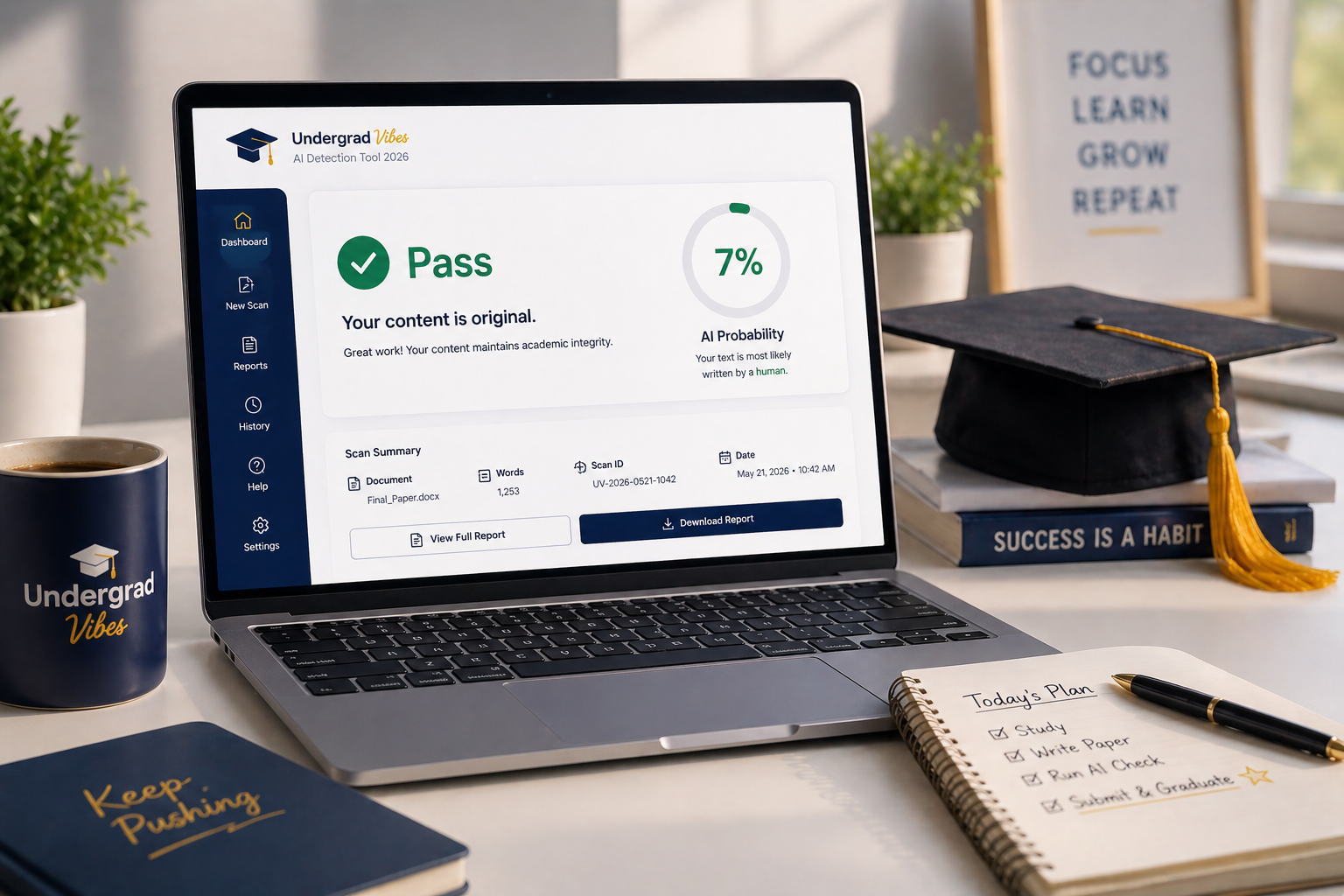
It's 11:47 PM on a Sunday night. You just finished a 2,000-word deep dive into Macroeconomics. Your eyes are heavy, your caffeine levels are crashing, and you're about to hit "Submit" on your university portal. But then, that tiny voice in the back of your head starts whispering.
Did I actually cite that one sentence from the JSTOR article? Did I accidentally copy the structure of that Wikipedia paragraph? Real talk: the fear of accidental plagiarism is one of the most stressful parts of undergrad life. In 2026, the stakes are even higher. Professors aren't just looking for copied text anymore. They're using advanced AI detectors to see if a robot wrote your conclusion. One "yellow flag" on a similarity report can lead to a meeting with the Dean that nobody wants.
We've all been there. That's why we spent the week testing every "free" tool on the market. Most of them are literal trash that just want your email address, but a few of them actually hold it down for students.
Here's the ultimate guide to the best free plagiarism checkers that will actually protect your GPA.
Plagiarism vs. AI Detection: The New Rules of 2026
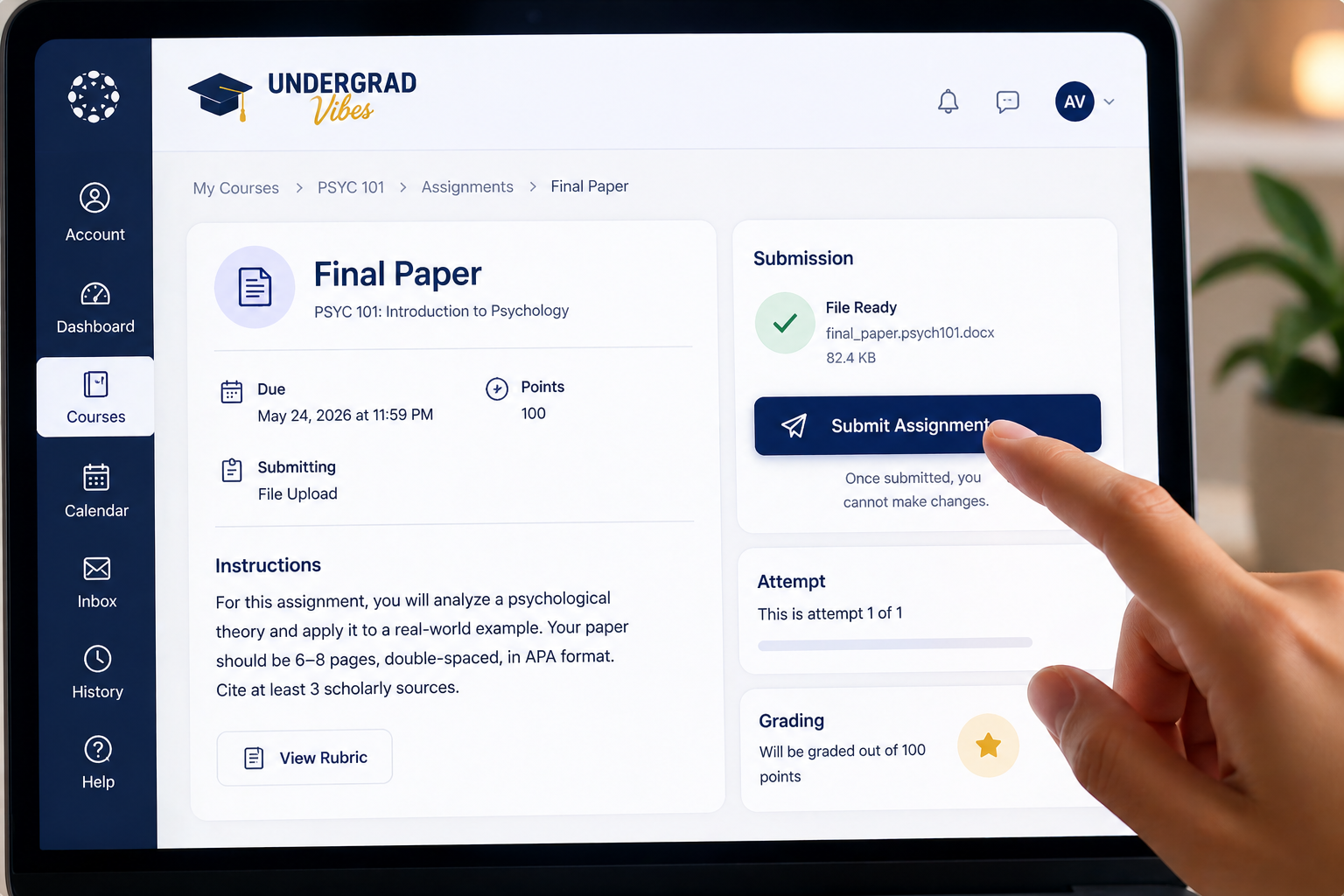
Before we dive into the tools, we need to clear something up. In the current academic world, a 0% plagiarism score does not mean you're safe.
Traditional plagiarism checkers look for matching strings of text across the internet. AI detectors, however, look for patterns, predictable word choices, and "robotic" flow. If you used an AI to "help" you rewrite a paragraph, a traditional checker might say you're 100% original, but an AI detector might flag you as 90% fake.
You need a strategy that covers both. You're looking for a total "Originality Score" that proves you did the work.
1. Scribbr (The Gold Standard Proxy)
If you want the most accurate results, you usually have to pay for Turnitin. Since students can't buy Turnitin directly, Scribbr is the next best thing. They partner with Turnitin to use their actual database and software.
The Vibe Check: Scribbr is like that one friend who's super honest with you even when it hurts. It finds things that other free checkers completely miss, especially matches within academic journals and private databases.
The Pros:
- It uses the Turnitin Similarity Engine.
- It's incredibly accurate for academic papers.
- It identifies "patchwork plagiarism" where you've changed a few words but kept the structure.
The Cons:
- The full report isn't free, but the "Free Check" gives you enough of a preview to know if you're in trouble.
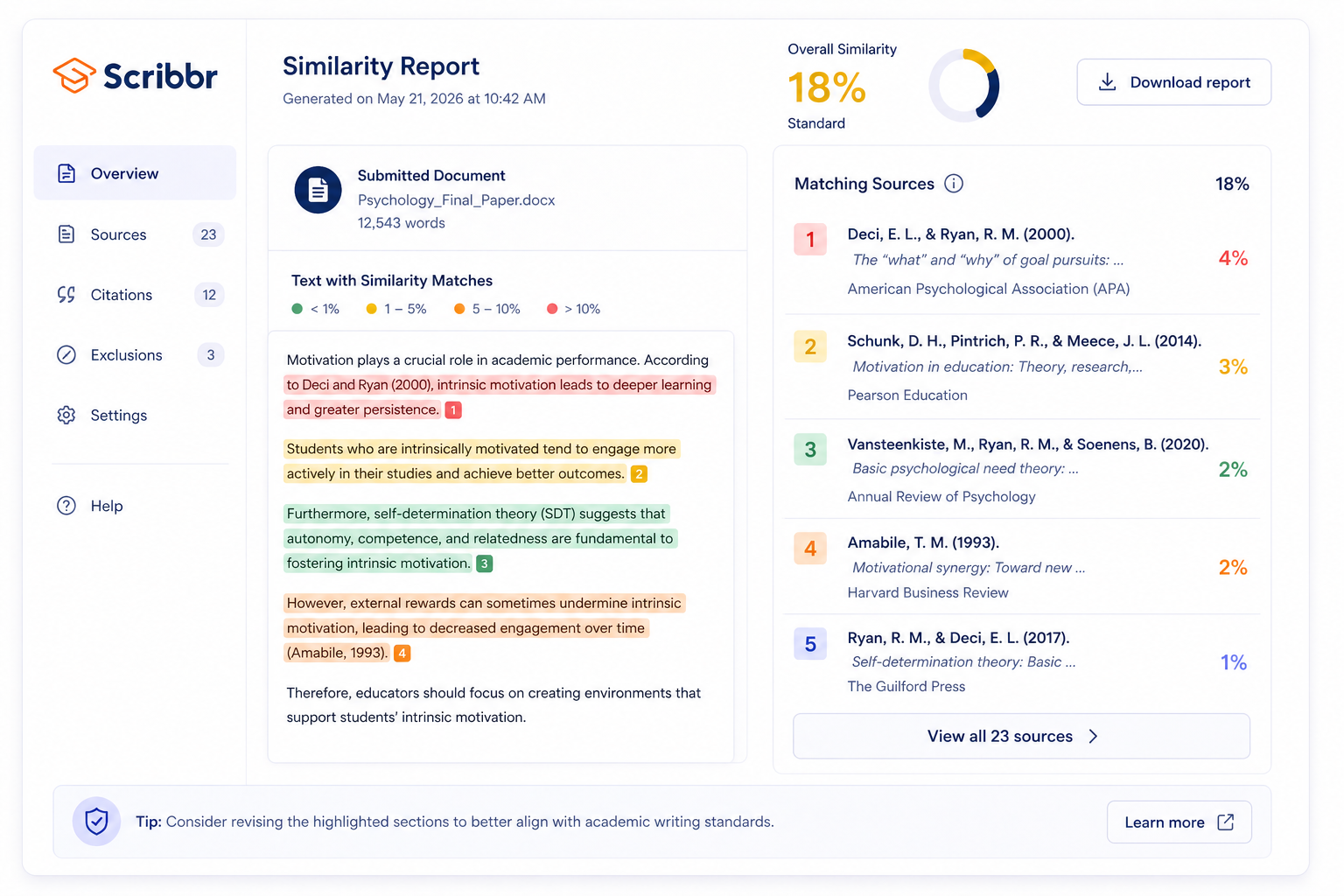
Pro-Tip: Use Scribbr for your "Final Boss" assignments like a thesis or a 30% weighted term paper. It's worth the extra minute of your time.
2. Grammarly (The Reliable Bestie)
You probably already use Grammarly to fix your "your/you're" mistakes. But many students ignore the plagiarism tab in the bottom right corner.
The Vibe Check: Grammarly is the best for "real-time" checking. It's built into your browser or Word document, so you can check as you write rather than waiting until the end.
The Pros:
- It checks against billions of web pages and ProQuest's academic databases.
- It's extremely fast.
- It helps you create a citation for the source it found, which is a massive time-saver.
The Cons:
- The free version is a bit limited compared to the premium one, but it still flags the big stuff.
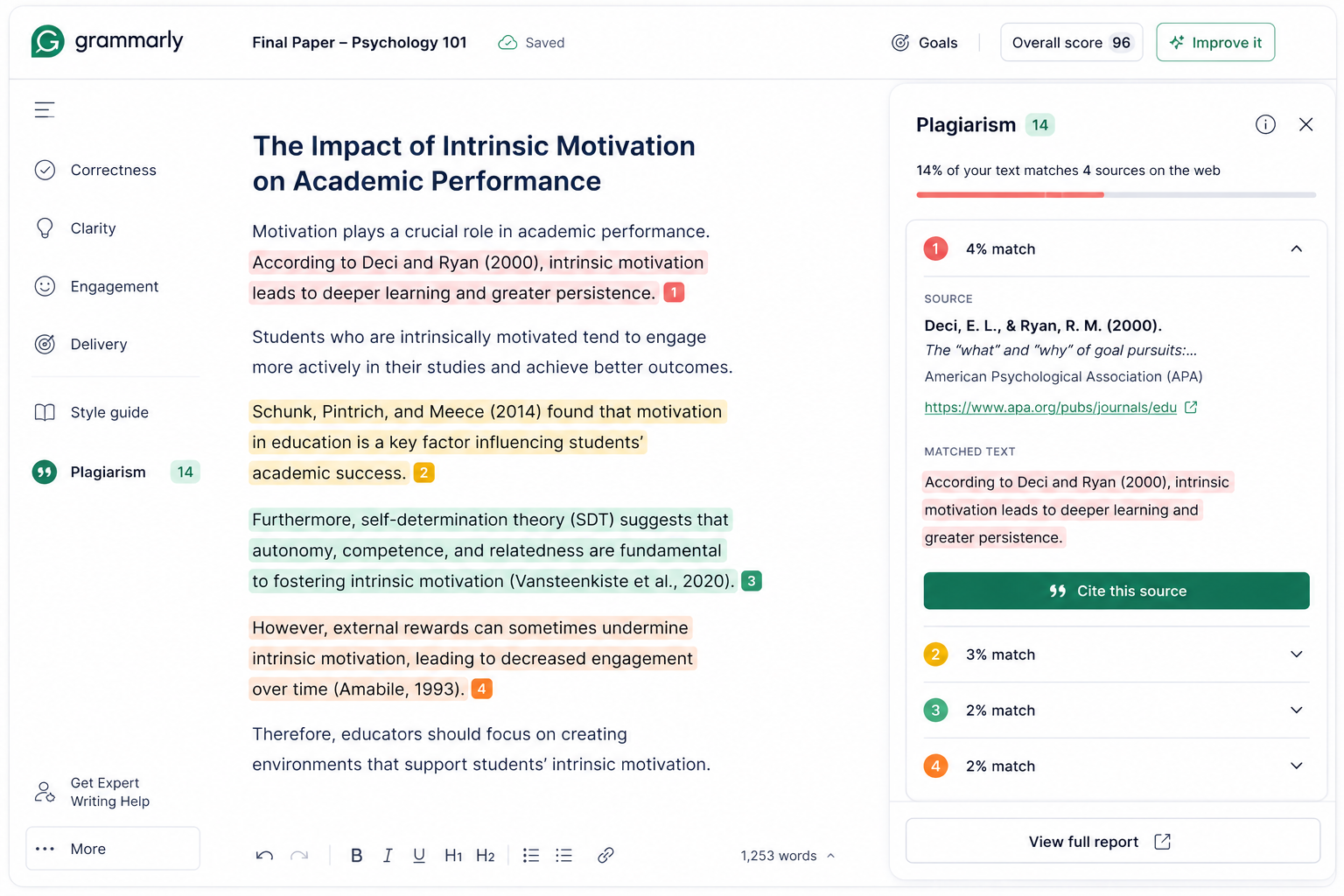
Best For: Checking your weekly discussion posts or smaller assignments as you go.
3. GPTZero (The AI Shield)
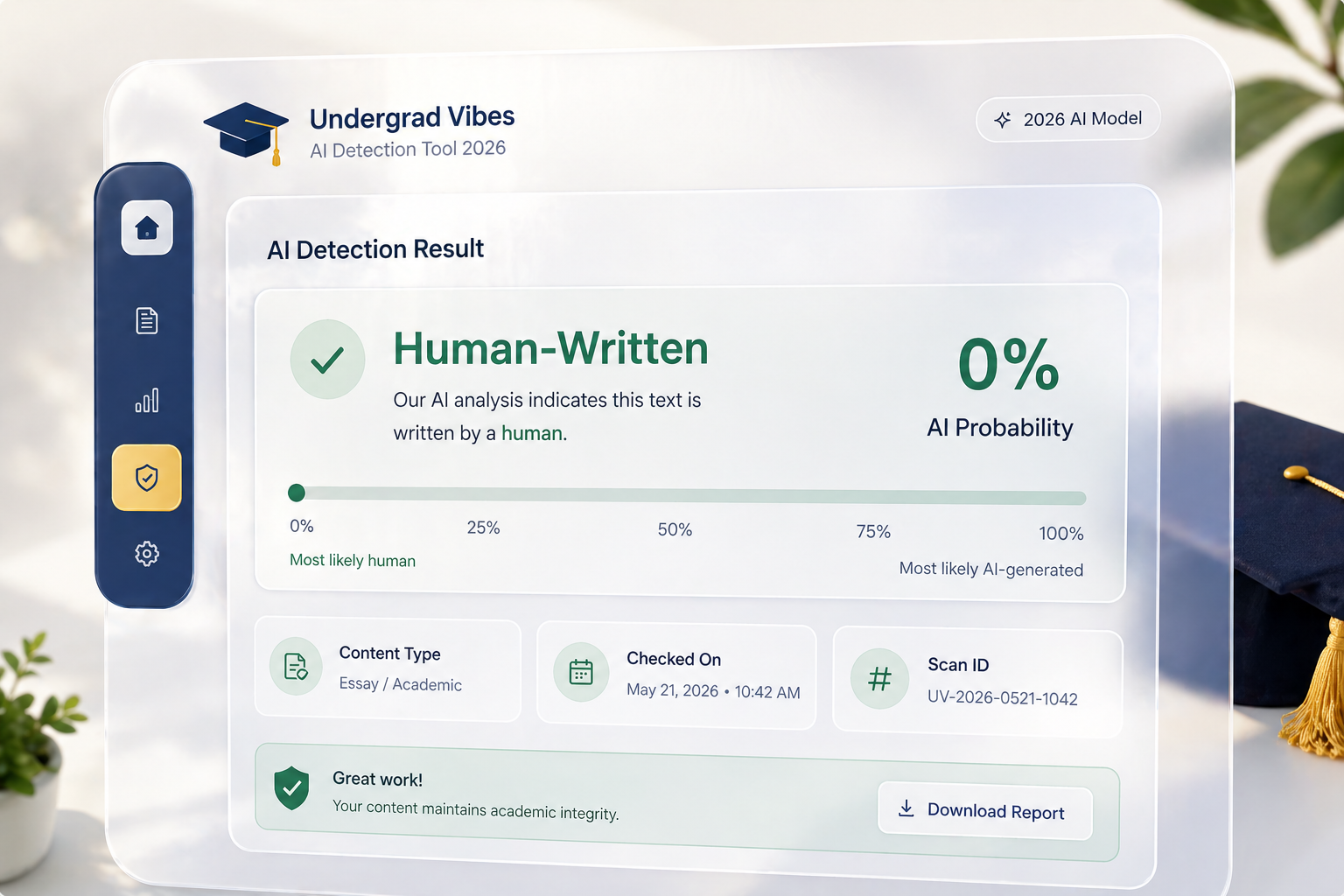
Since it's 2026, we have to talk about AI. If you use AI to brainstorm or outline, you need to make sure your final draft doesn't sound like a machine. GPTZero is the industry leader for a reason.
The Vibe Check: It's simple, clean, and terrifyingly accurate. It breaks your text down sentence by sentence to show exactly where you sound "too predictable."
The Pros:
- It's free for a decent amount of words per check.
- It gives you a "Perplexity" and "Burstiness" score. High burstiness is good: it means you write like a human.
- It's the tool many professors actually use.
The Cons:
- It can sometimes flag non-native English speakers as "AI" because their grammar is too perfect.
4. Quetext (The Deep Searcher)
Quetext uses something they call "DeepSearch" technology. It doesn't just look for word matches: it looks for contextual matches.
The Vibe Check: This is the tool you use when you've done a lot of paraphrasing and you want to make sure you didn't accidentally stay too close to the original source.
The Pros:
- The interface is beautiful and minimalist.
- It has a great "Side-by-Side" view that shows your text next to the source text.
- The first 500 words are free, which is perfect for checking a few suspicious paragraphs.
The Cons:
- The 500-word limit is quite small for a long essay.
5. Duplichecker (The Quick Fix)
We've all had those moments where we just need a quick, no-signup-required check. Duplichecker is the "Old Reliable" of the internet.
The Vibe Check: It's not the prettiest website. There are a lot of ads. But it gets the job done without making you create an account or verify your identity.
The Pros:
- Completely free for up to 1,000 words per search.
- No account required.
- You can upload files directly (.docx or .pdf).
The Cons:
- It's not as deep as Scribbr or Grammarly. It might miss matches from private academic journals.
Best For: Lab reports or shorter reflections where the sources are mostly from the open web.
How to Check Your Paper Like a Pro: The 2026 Workflow
Don't just throw your paper into a checker and hope for the best. Follow this Undergrad Vibes workflow to make your paper bulletproof.
1. The "Google Hack": If you have a sentence that feels a bit "too good," copy and paste it into Google with quotation marks around it. If it exists word-for-word on the web, Google will find it faster than any software.
2. The Bibliography Audit: Go through your reference list. Make sure every single name in your bibliography is actually cited somewhere in your paper. Professors love to catch people on "ghost references."
3. The AI Polish: Run your paper through GPTZero. If your AI score is high, go back and add some personal anecdotes or specific examples from your class lectures. AI can't replicate your specific classroom experience.
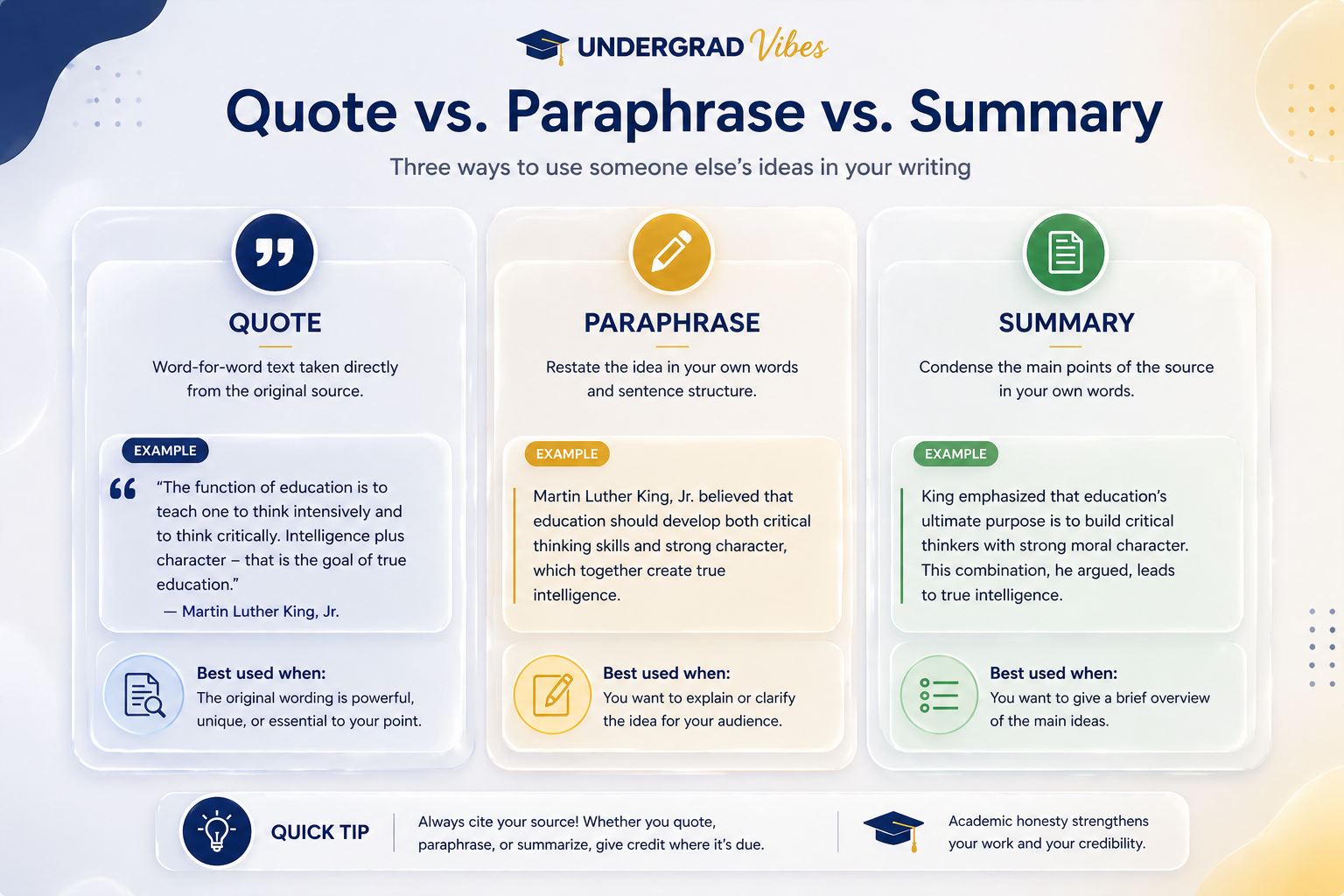
4. The Paraphrasing Rule: If you're paraphrasing, try this: read the source, close the tab, wait ten minutes, and then write the idea down from memory. If you change three words while looking at the source, that's still plagiarism.
Why "Humanizers" Are a Trap
You might see ads for "AI Humanizers" that promise to bypass Turnitin. Here's the deal: don't use them. These tools often just swap words for synonyms that don't make sense or add invisible characters to the text.
Modern university systems are designed to flag these "hacks." It's much easier (and safer) to just write your own thoughts. If you're struggling, check out our guide on how to use AI as a study partner, not a ghostwriter.
The Bottom Line
Your academic reputation is everything. It takes four years to build a degree and only four seconds to lose it. Using a free plagiarism checker isn't just about "not cheating." It's about being a professional student who respects the work of others and takes their own career seriously.
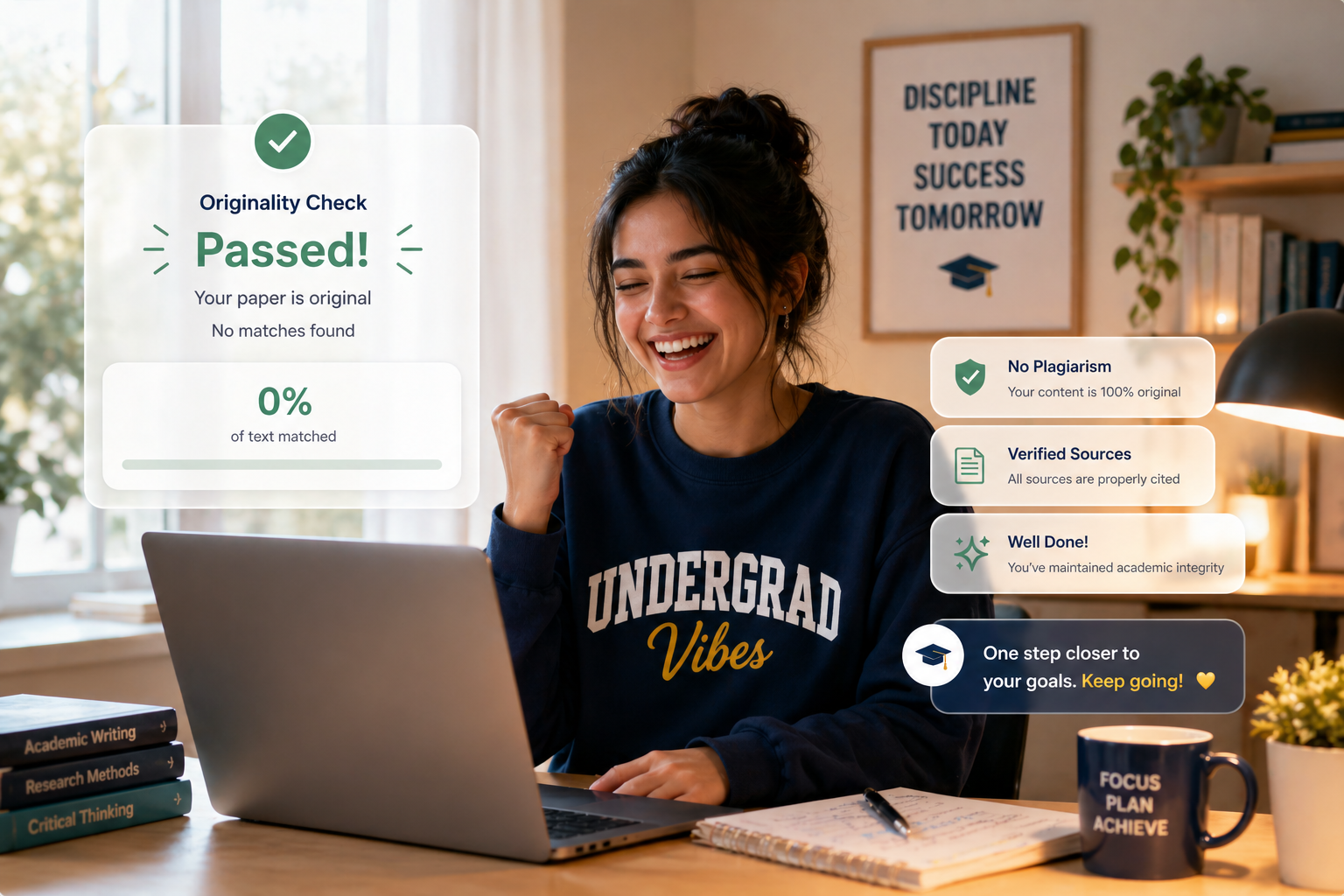
If this guide helped you, you'll love our weekly newsletter. Every week we send out Notion templates, meal prep hacks for exam season, and advice on how to use AI to actually get ahead. Join the Undergrad Vibes community here.